


Packing and shipping choices
Check protection, chargeable weight and optional services before submitting.
The warehouse half of the trip
Discover the products you want and plan how they will reach you. Start with search or a category, then follow the guides through purchase, QC, packing and delivery.
Pick where to start. Each tile opens that category, and the line under it is the thing that matters once the item is sitting in the warehouse waiting for a parcel: whether it brings air with it, whether it moves the weight, whether it decides the route.
All twenty categories, with what to check before each one joins a box
A catalogue for discovering products and keeping their seller links. Browse a category, open the listing and check the exact item before sending its link to the agent.
The category notes connect the item to its place in a parcel: fit, weight, bulk and packing. You can compare purchases before paying to move them.
A shopping agent that purchases from sellers, receives the goods in its warehouse, provides inspection photos and sends the international parcel you choose.
It connects buying and parcel consolidation, which can help when ordering from several Chinese sellers. Compare the full shipping quote and restrictions; combining is useful only when the resulting parcel suits your items and timing.
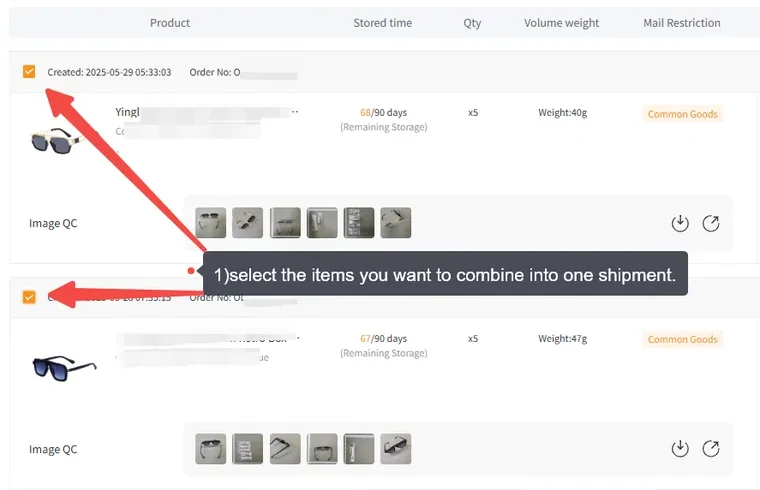
Check protection, chargeable weight and optional services before submitting.
Keep the return and storage windows in view while the rest of the order arrives.
Find the order thread, understand QC and prepare a useful support ticket.
Declaration and receiving a parcel · Policy checks · About this guide